
How to Cancel Invite
Click your profile icon at the top right, then select Settings & Privacy.
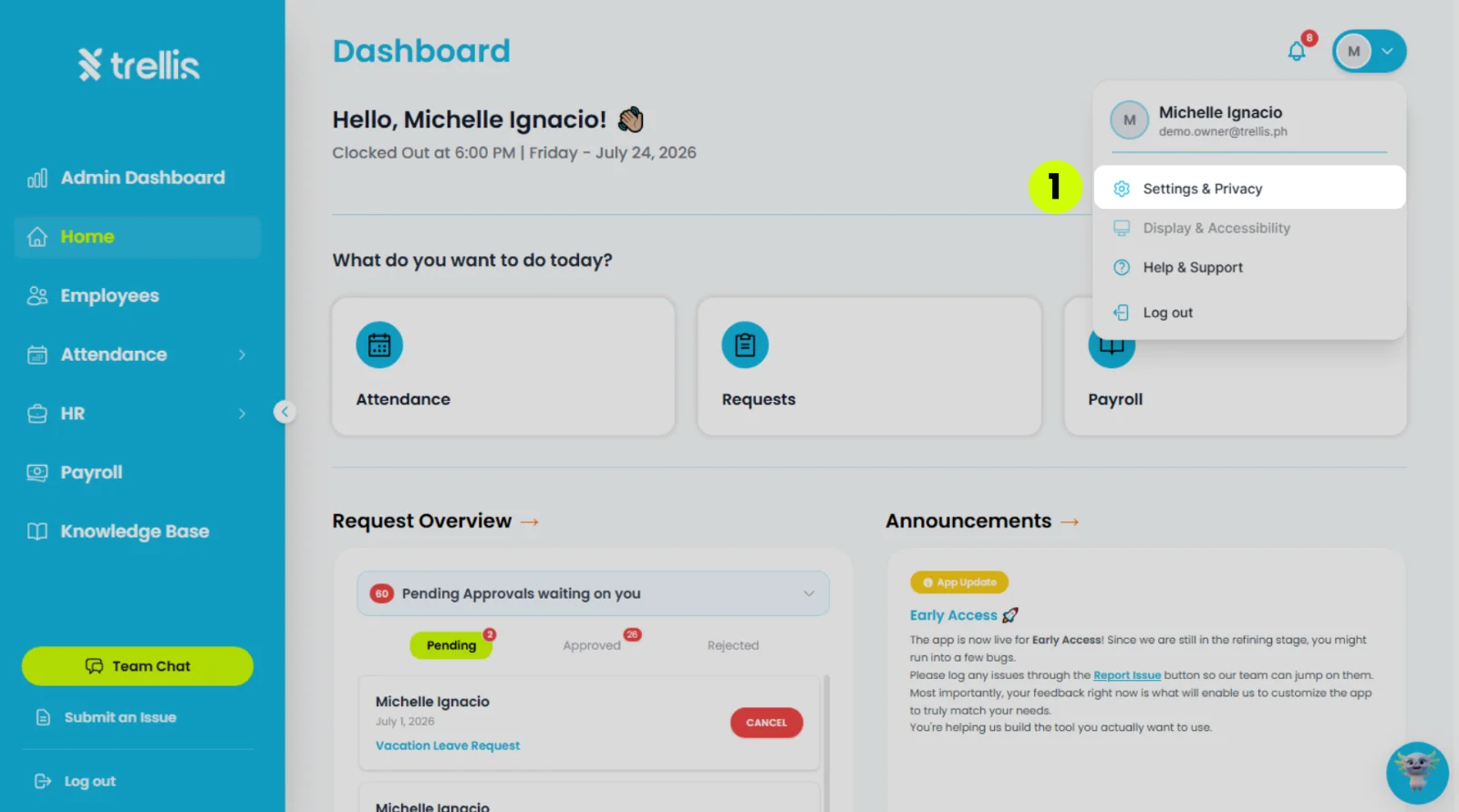
From the sidebar, click "Team" to expand the menu.
-1600.webp)
Scroll down to the “Pending Invitations” section
Under the “Action” column, press the “Cancel” button.
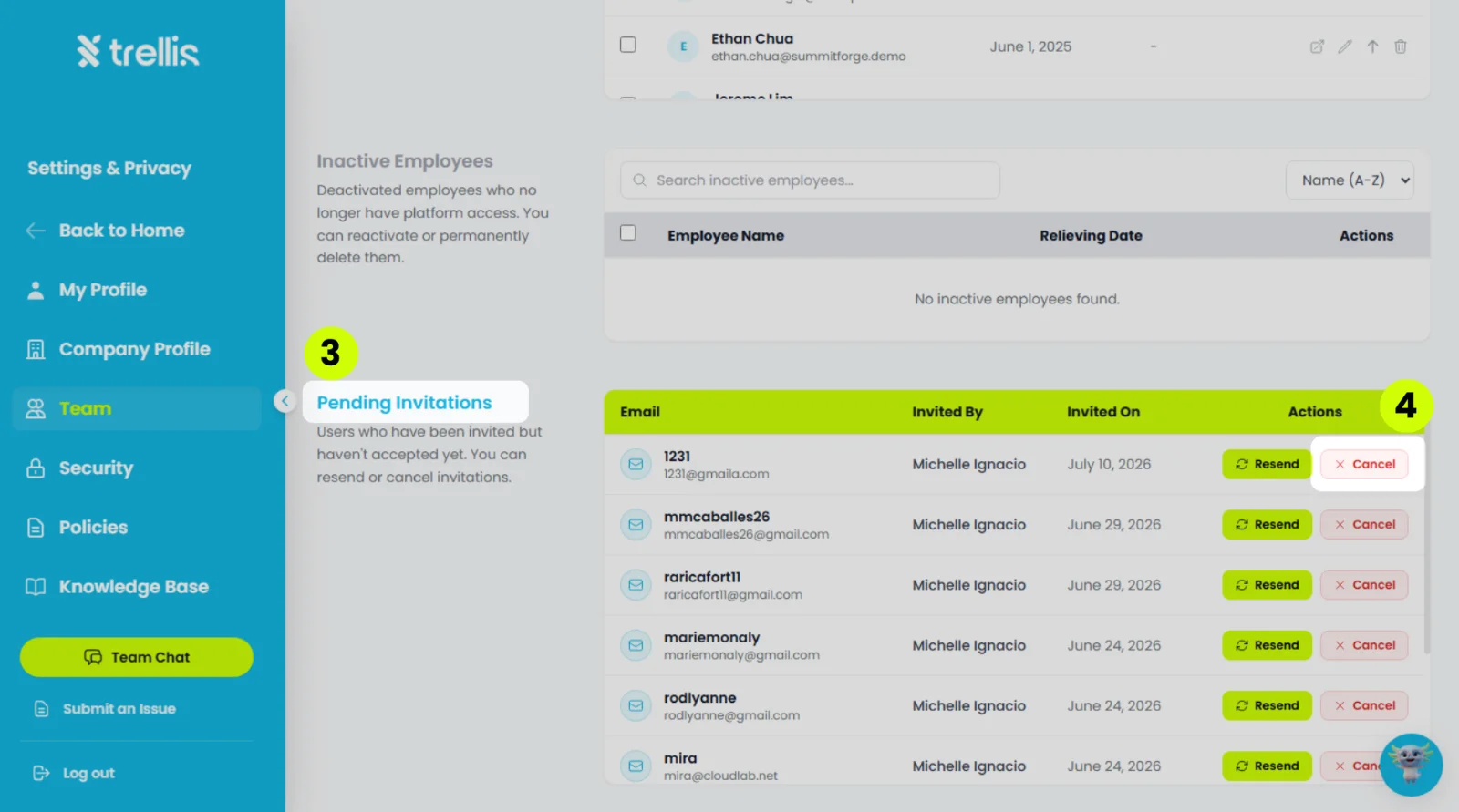
Note: If the person is also listed under “Account Users” (their invitation was resent, so they were added to your team straight away), cancelling the invitation also removes them from your team. To remind them to sign in instead, press “Resend”.