Where Can I View Employee Records?
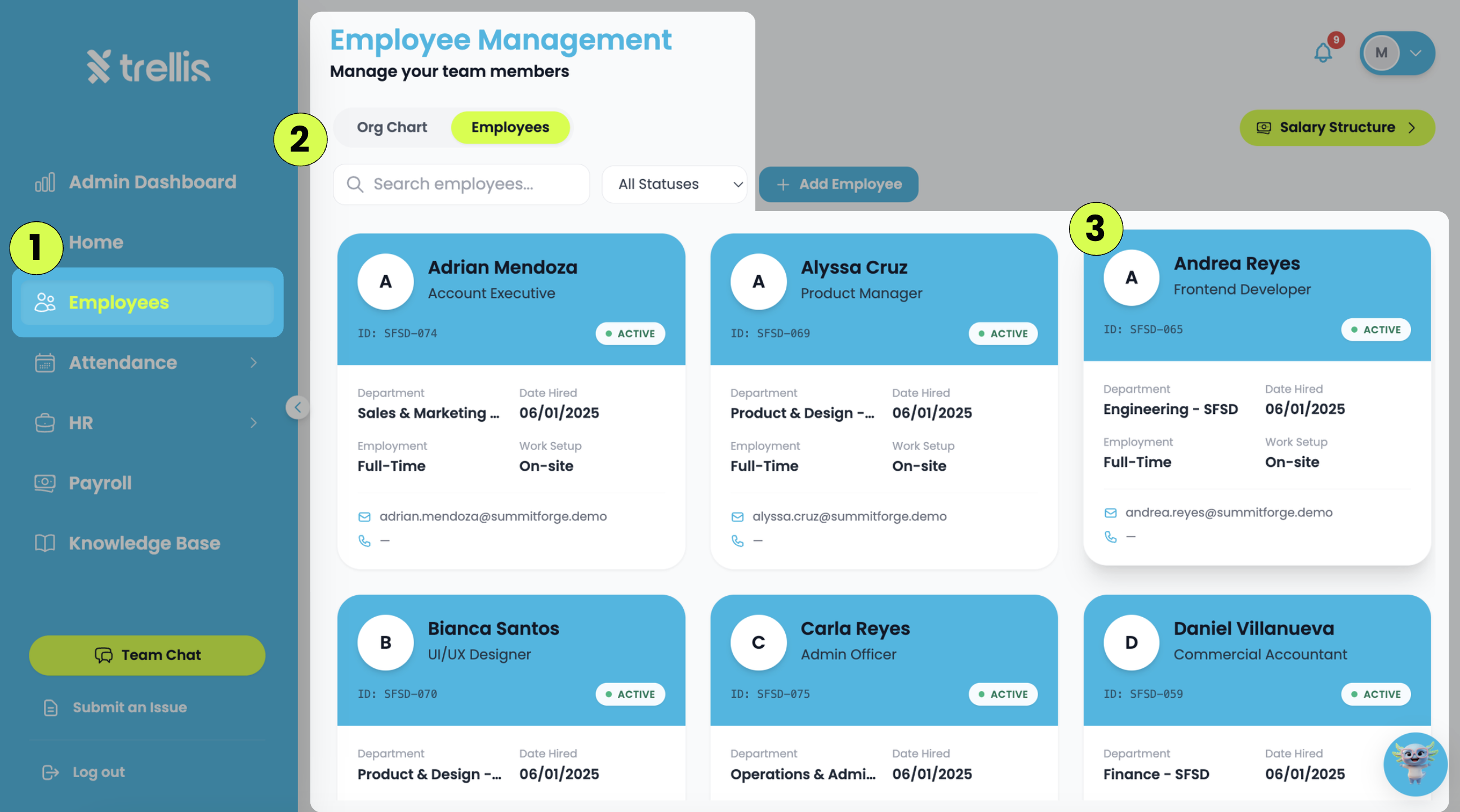
From the sidebar, click "Employees.”
Under “Employee Management”, click the “Employees" tab. You can browse all employee records.
Search Employees — enter an employee's name in the search bar.
Status Filter — filter employees by status (Active, Inactive, or Pending Invite).
Click the employee card to open the profile and view the employee's complete record.