How to Take a Break
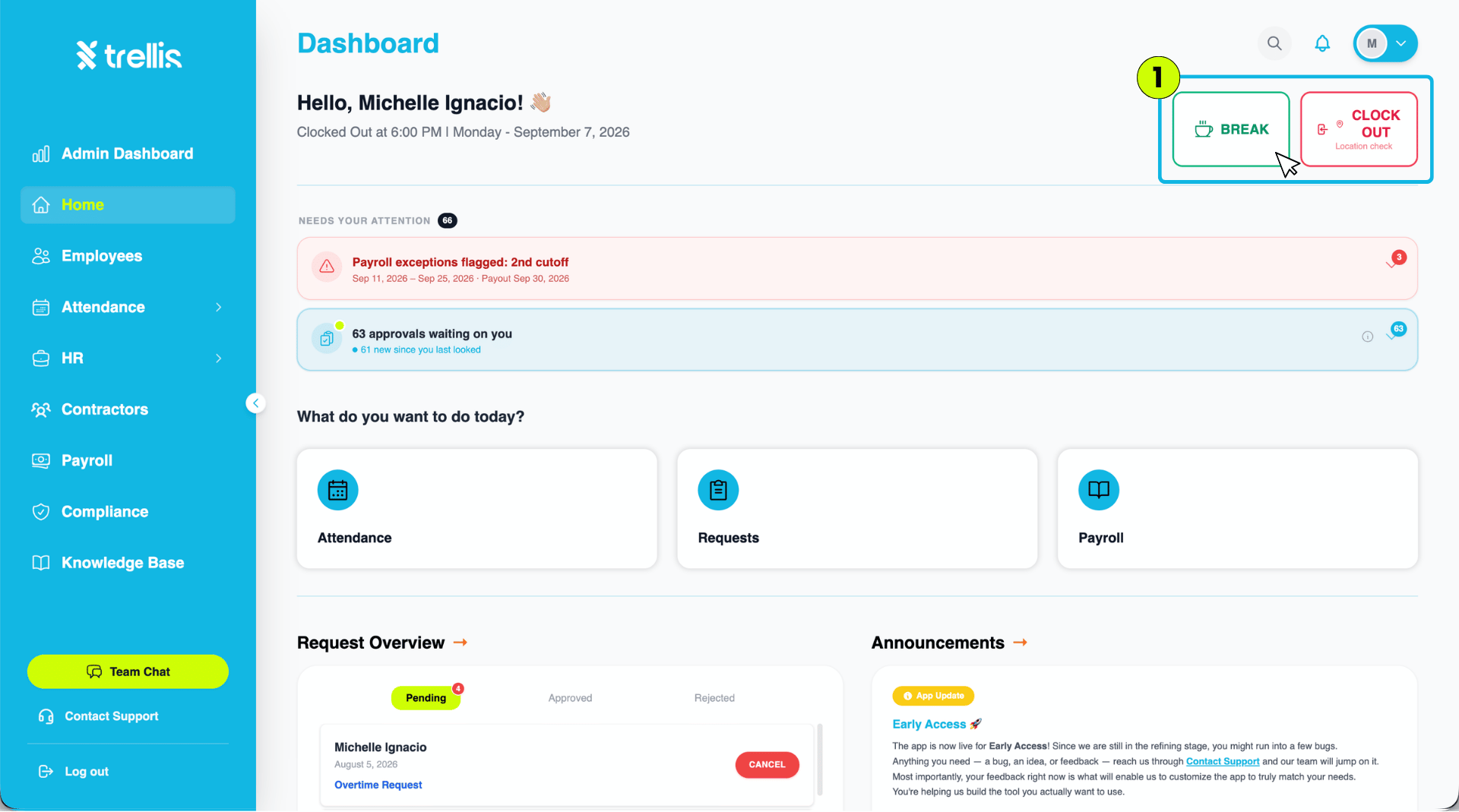
When your break time is near, click the "Break" button in the top-right corner of the Dashboard.
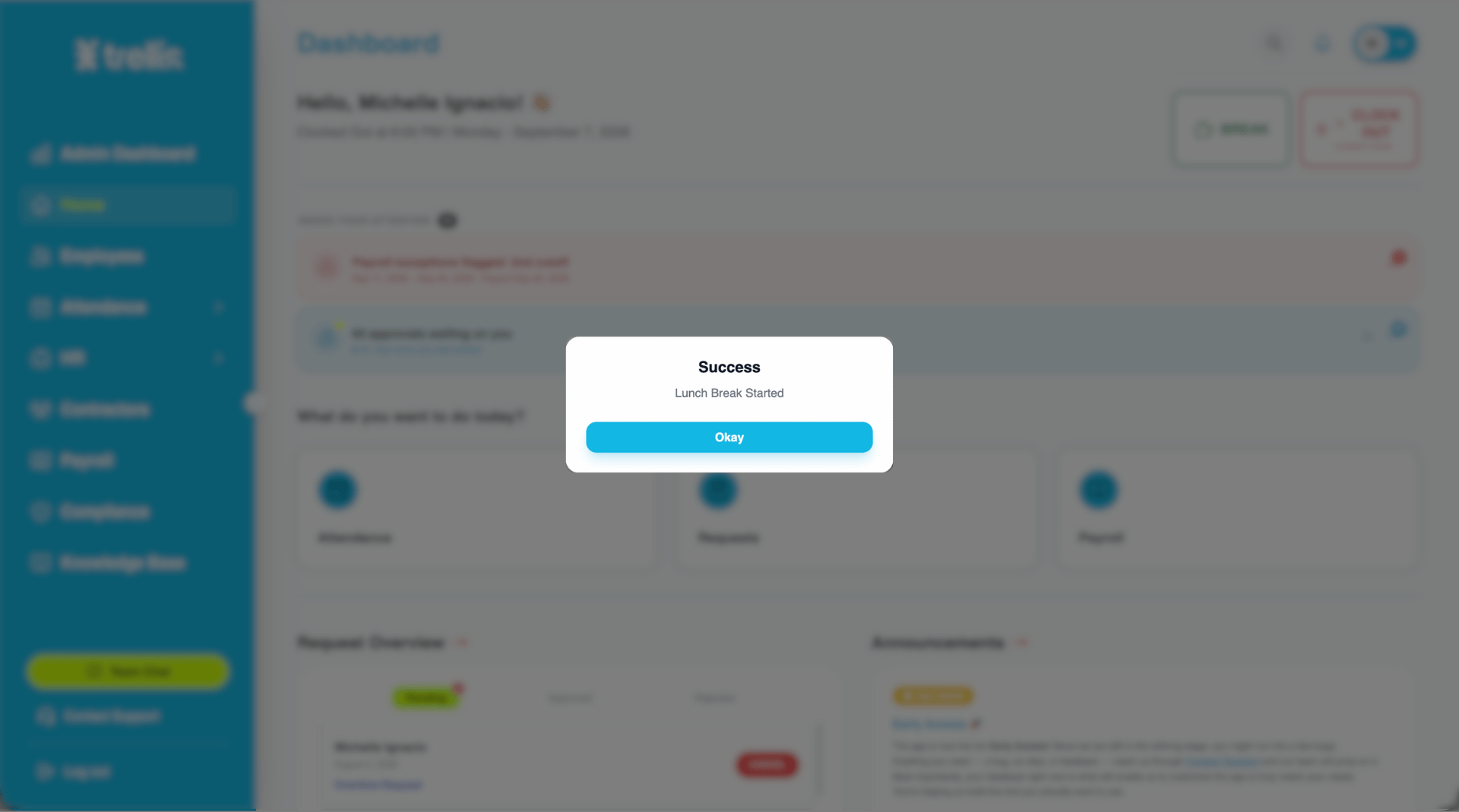
A success message will confirm that your lunch break has started. Click "Okay" to close the message.
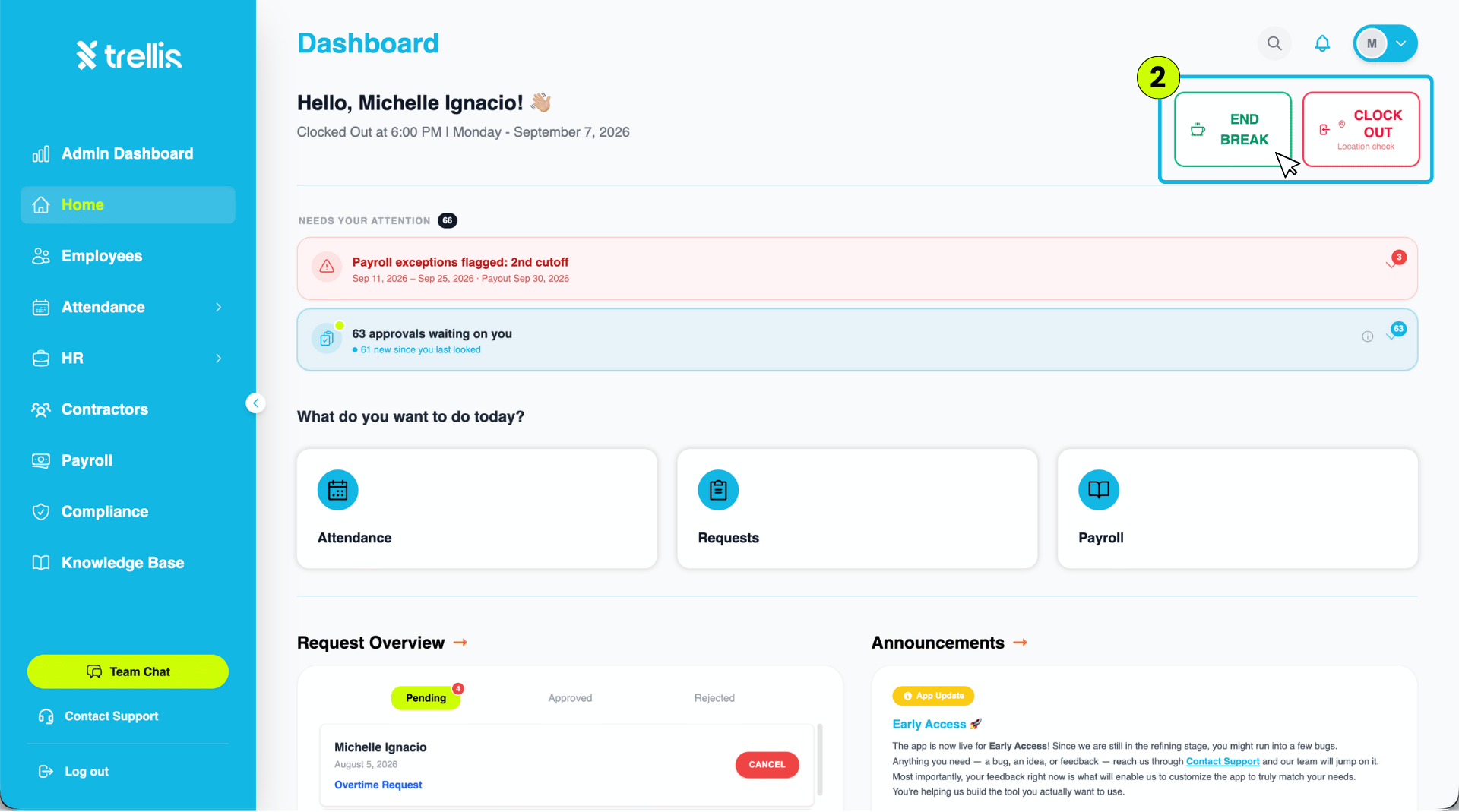
The Dashboard will update to show that you are on break. When you are ready to return to work, click "End Break."
A success message will appear confirming that you are back. Click "Okay" to close the message.
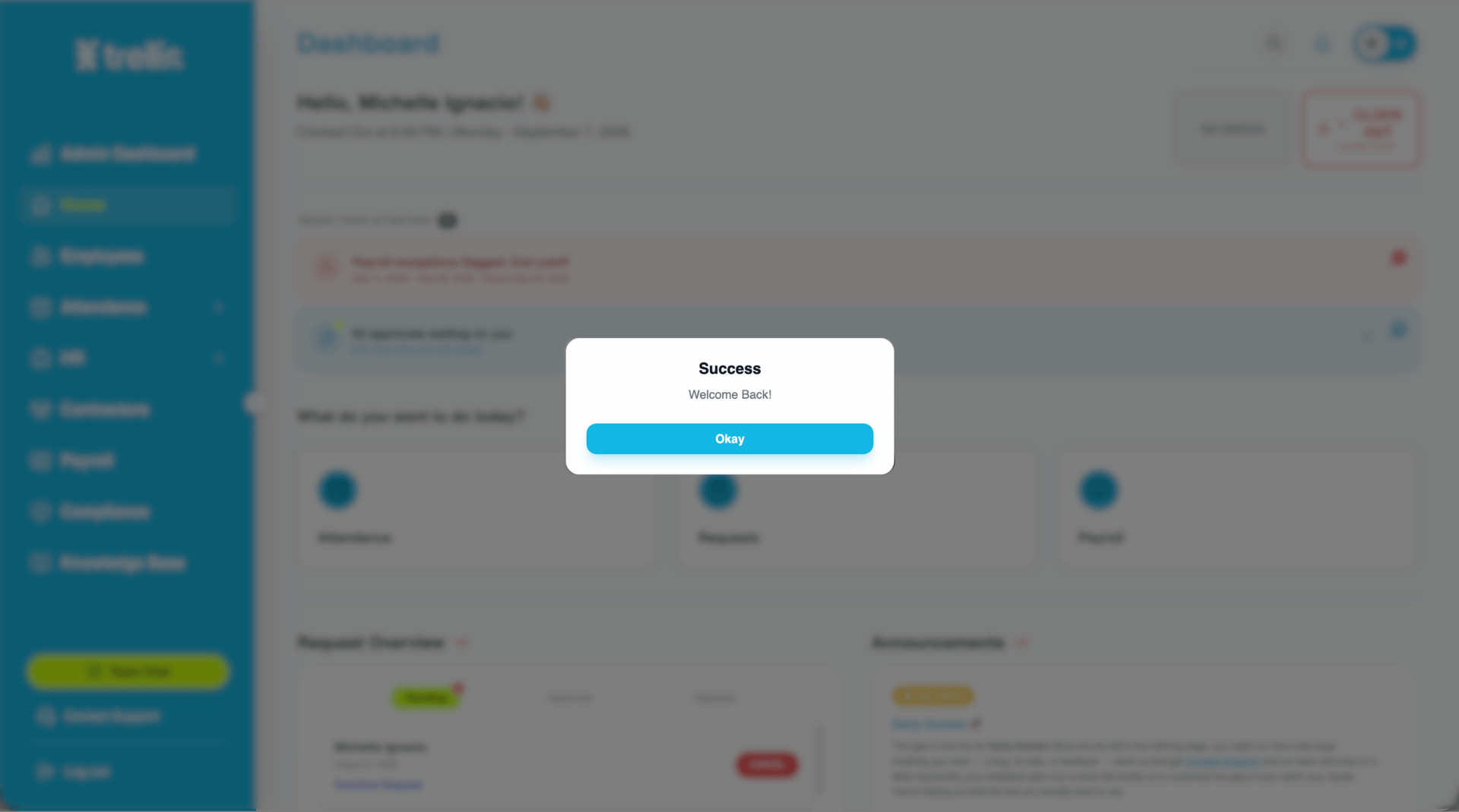
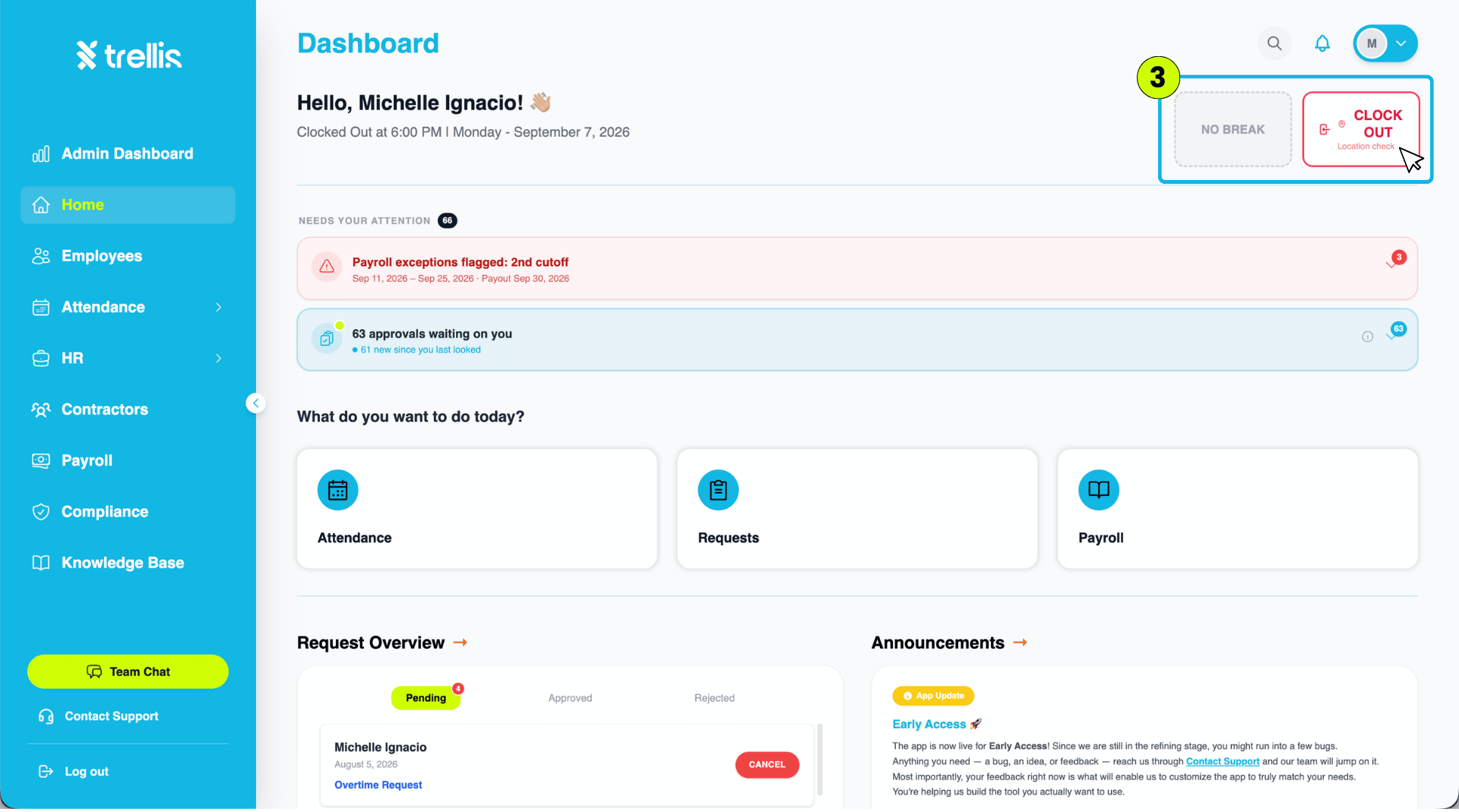
You are now clocked back in and the Dashboard returns to your active session, with the "Clock Out" button available.