How to view attendance management
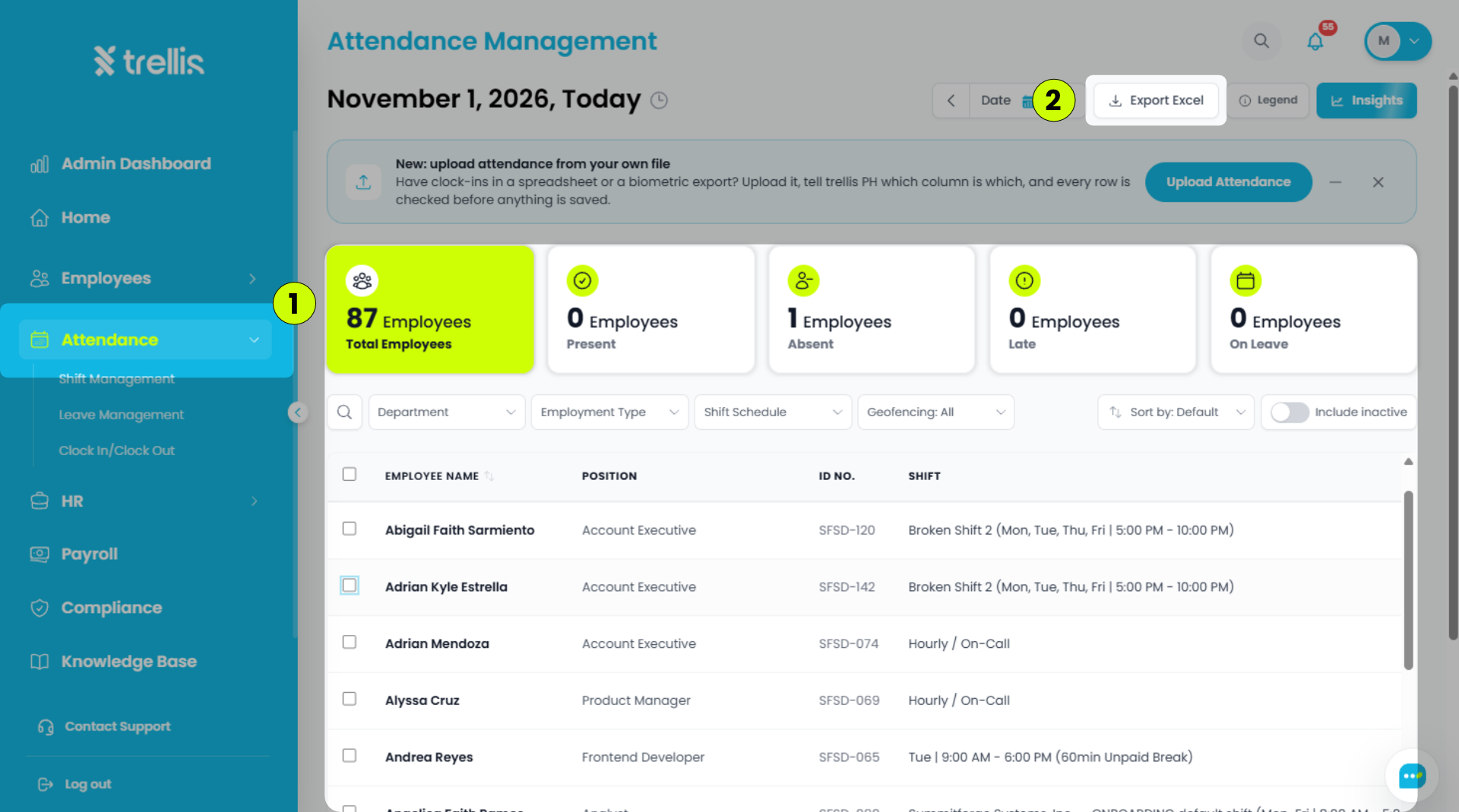
From the sidebar, click "Attendance" to open the Attendance Management page.
To save a local copy of the attendance records, click "Export Excel" at the top of the page.

From the sidebar, click "Attendance" to open the Attendance Management page.
To save a local copy of the attendance records, click "Export Excel" at the top of the page.