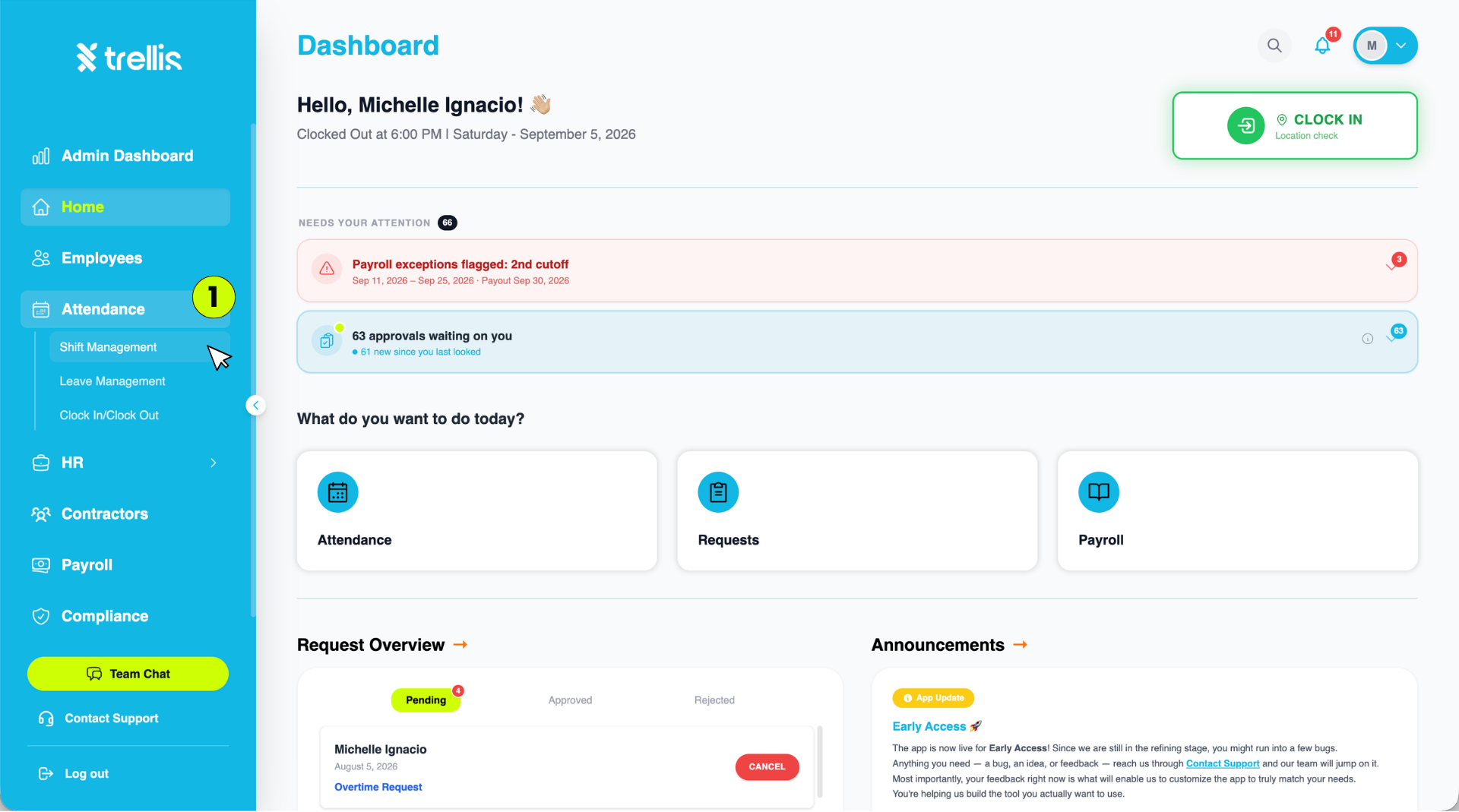
Where Can I Create a Shift?
From the sidebar, click “Attendance” to expand the menu, then select “Shift Management”.
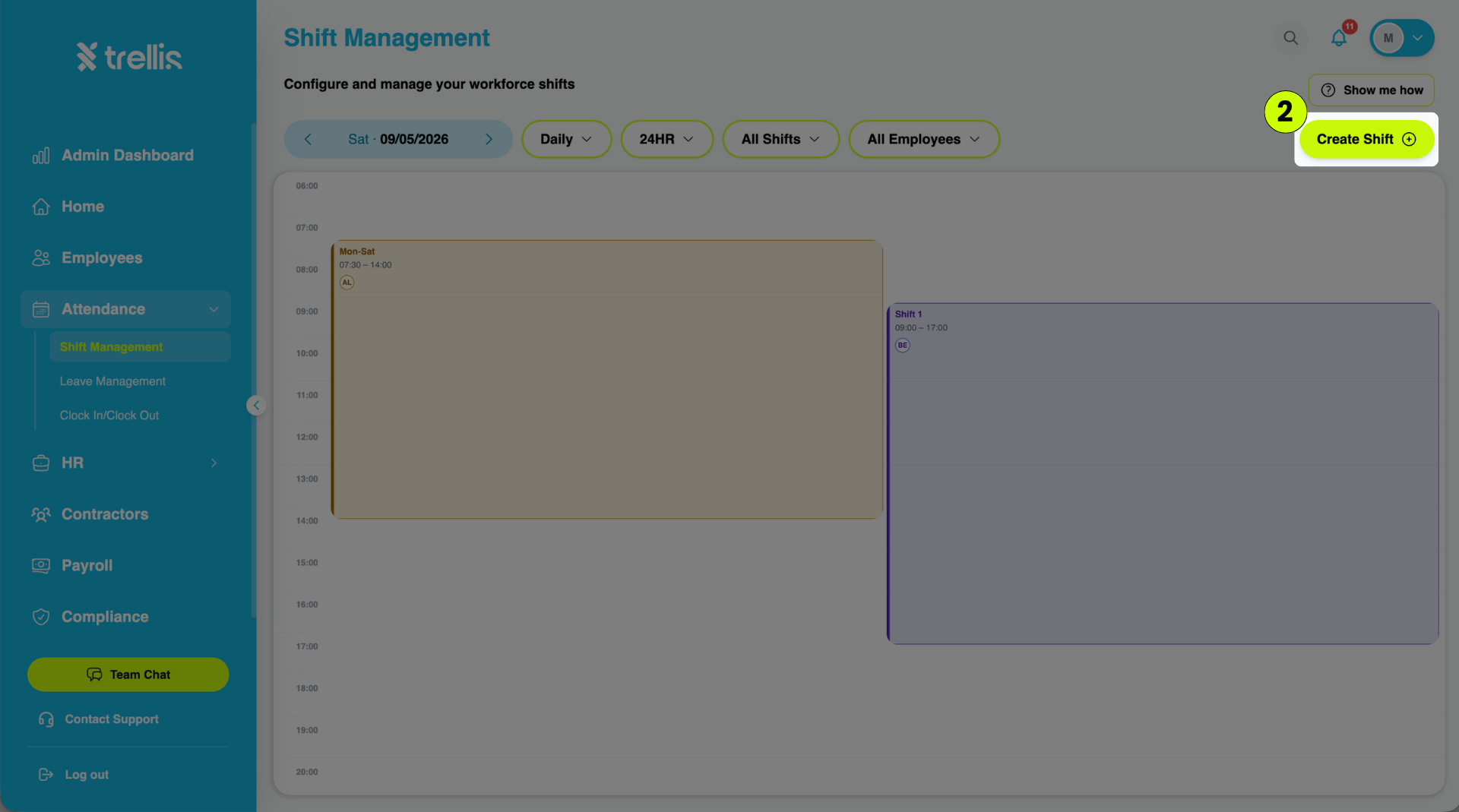
On the Shift Management page, click the “Create Shift” button at the top-right corner.
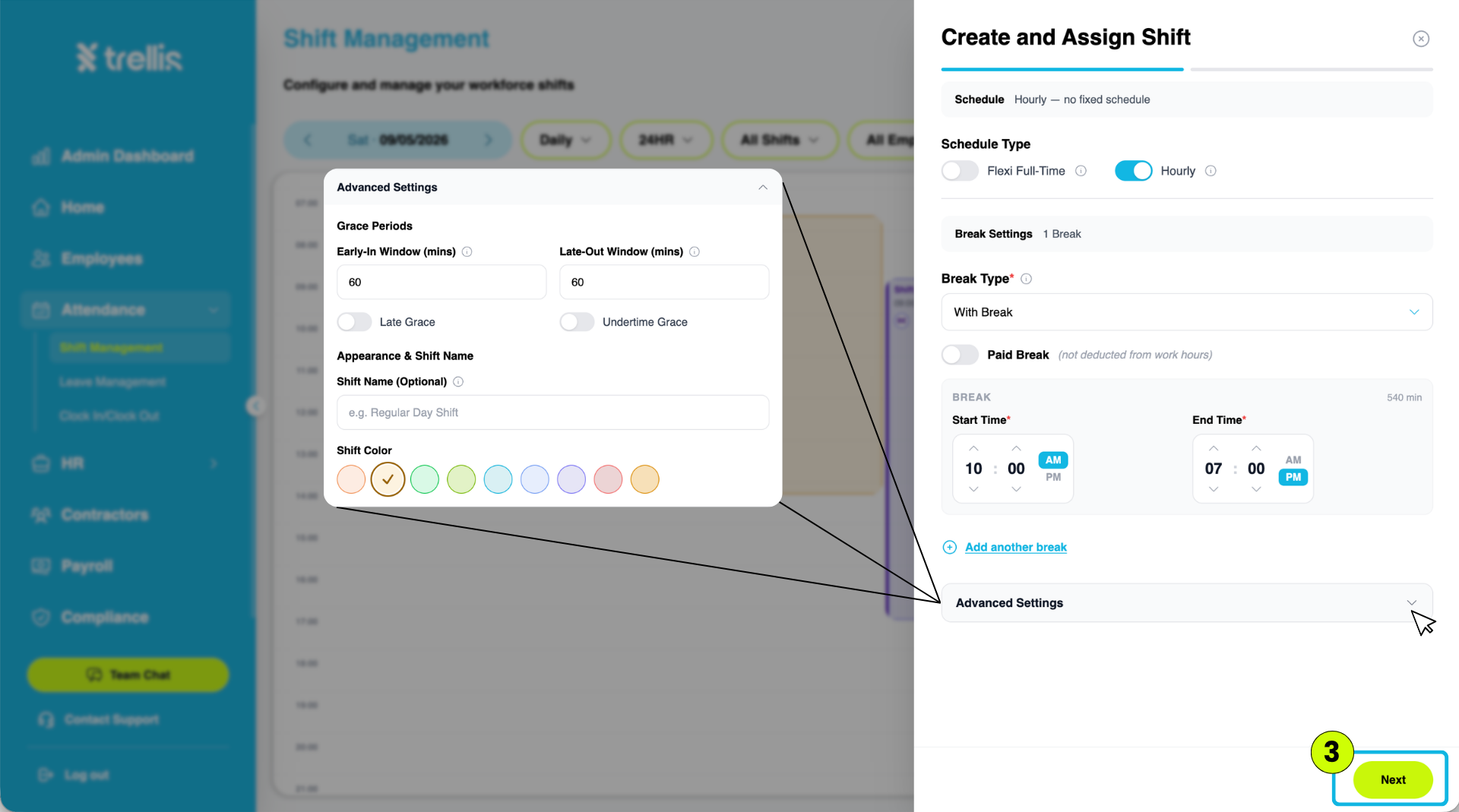
The “Create and Assign Shift” window will appear. Configure the shift details, including the schedule type, break settings, and advanced settings. Once finished, click “Next”.
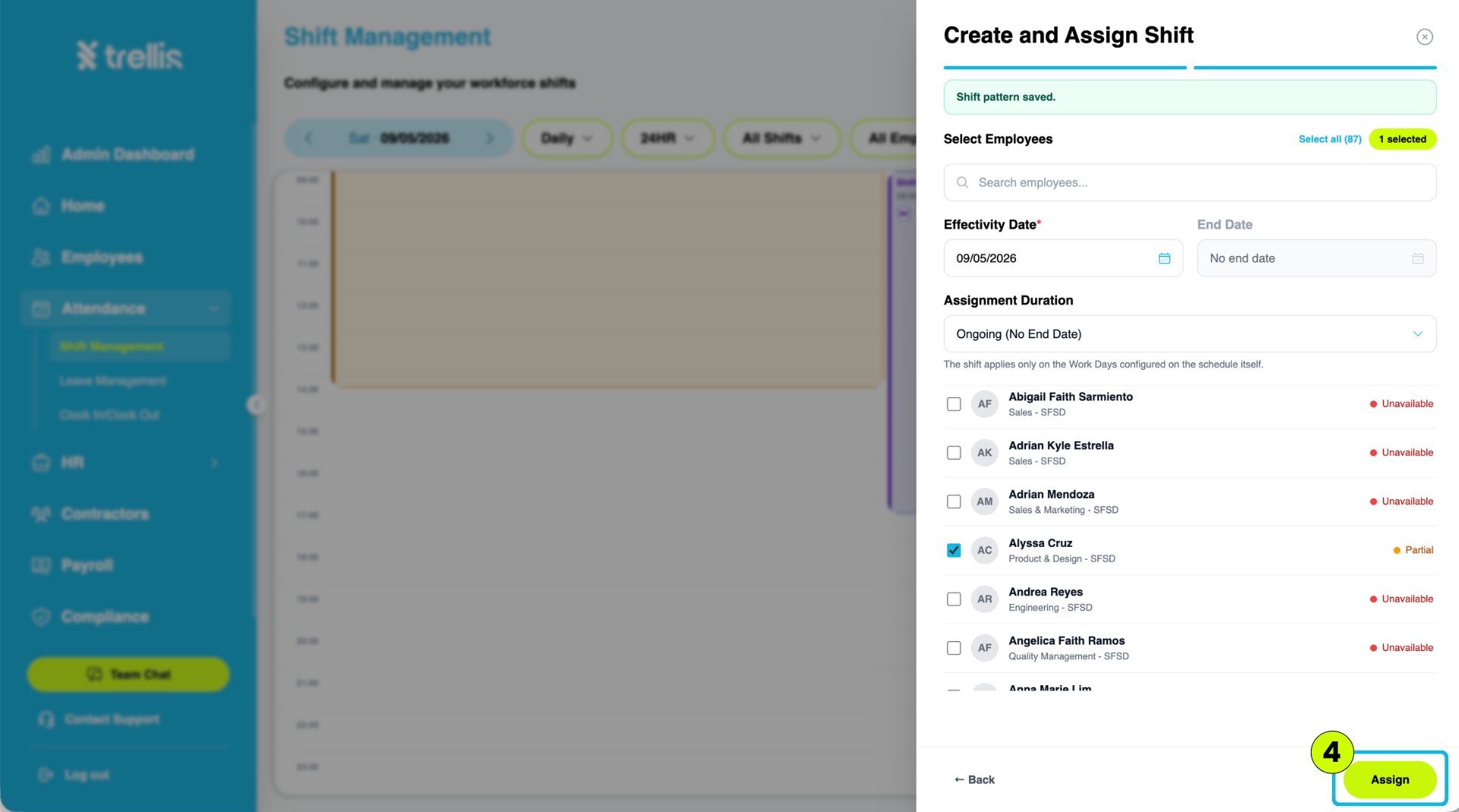
Select the employee(s) who will be assigned to the shift. Set the Effectivity Date and Assignment Duration, then click “Assign”.
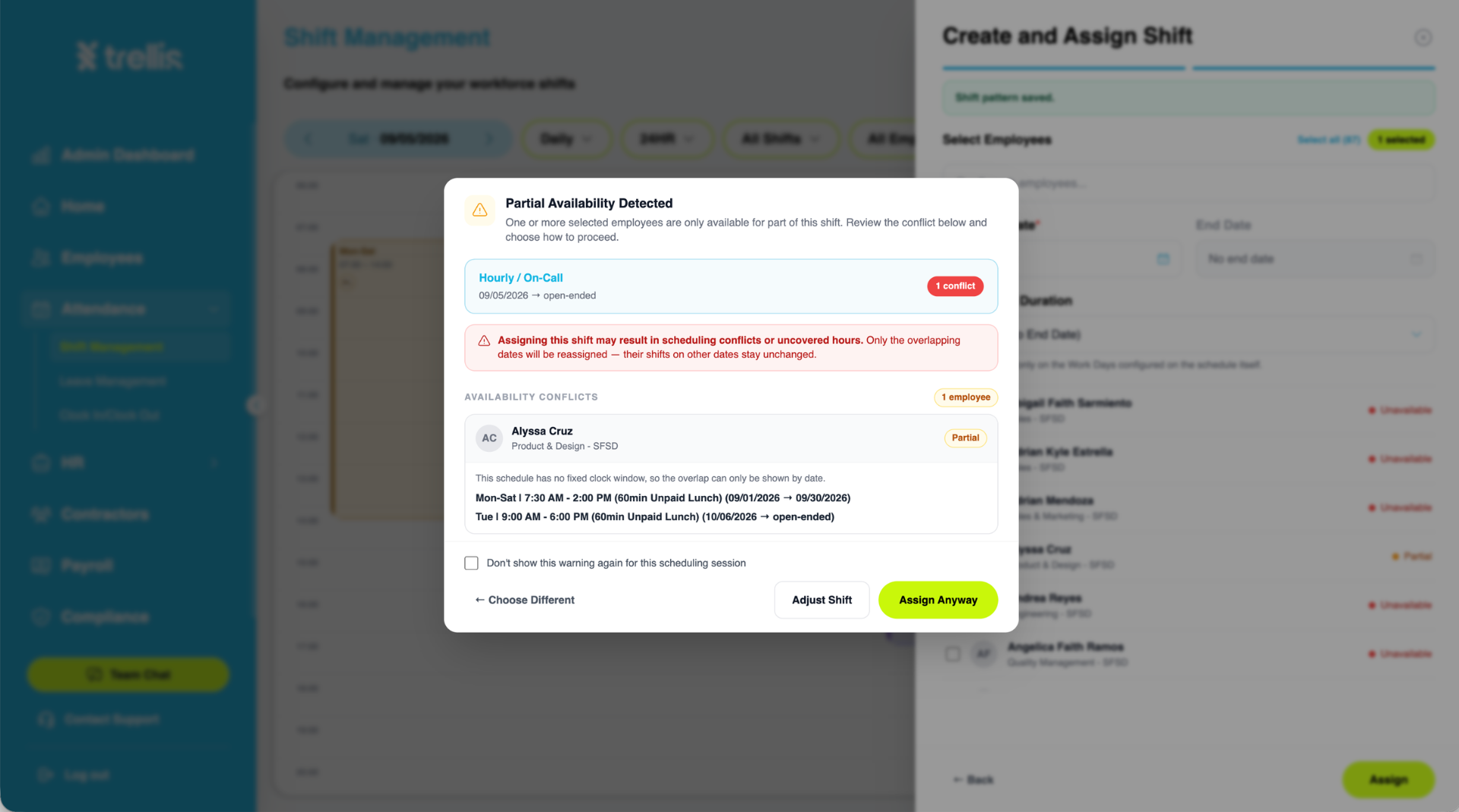
If an availability conflict is detected, a warning will appear. Review the conflict and choose “Adjust Shift” to make changes or “Assign Anyway” to proceed with the assignment.