Book a Demo
Open Workspace Settings & Privacy Help & Support
Features Pricing Jobs Blog FAQ Affiliate Program Log inOpen Workspace Book a Demo
Payroll

How do I run 13th month pay?

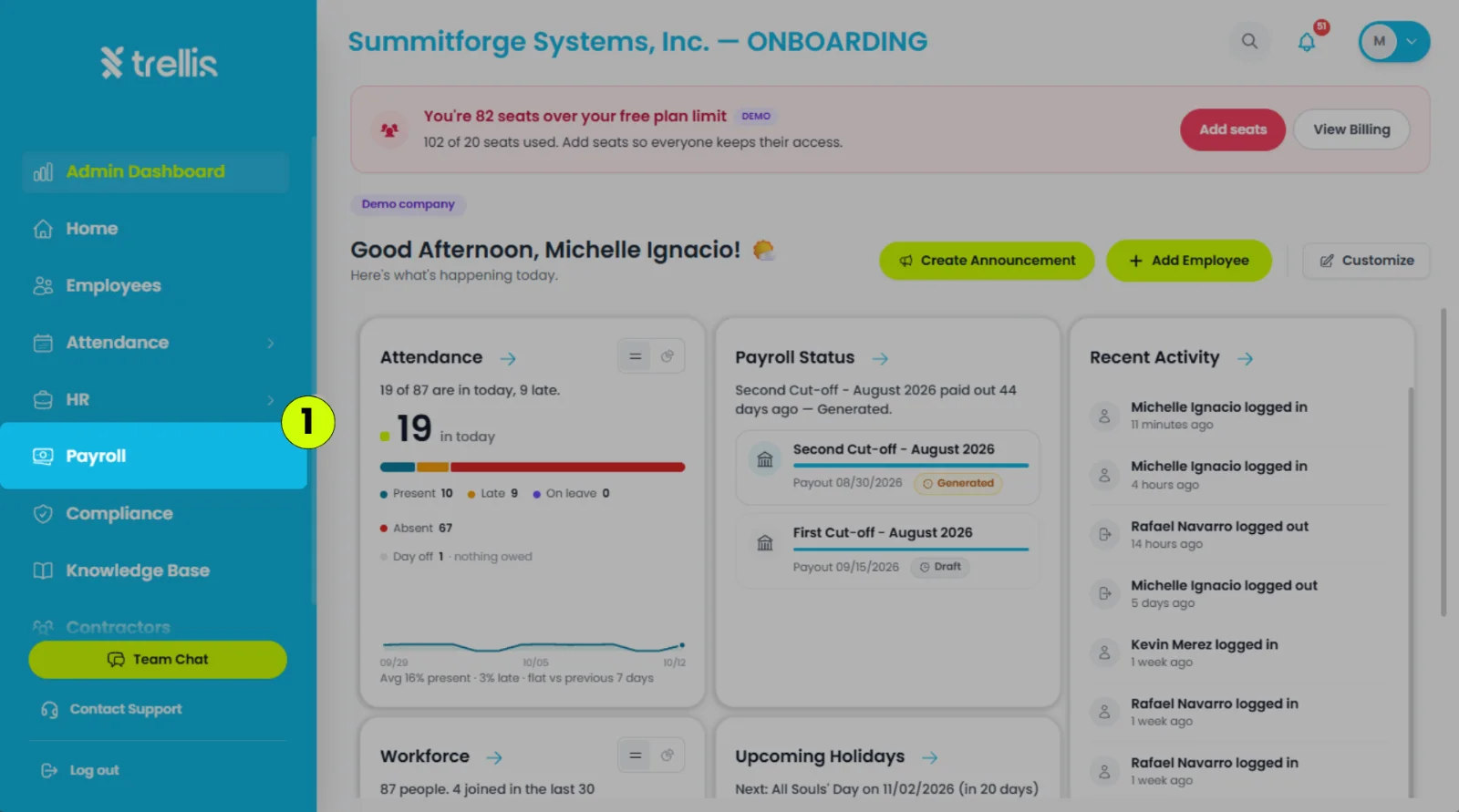
  1. From the main sidebar, click "Payroll".
How do I run 13th month pay?
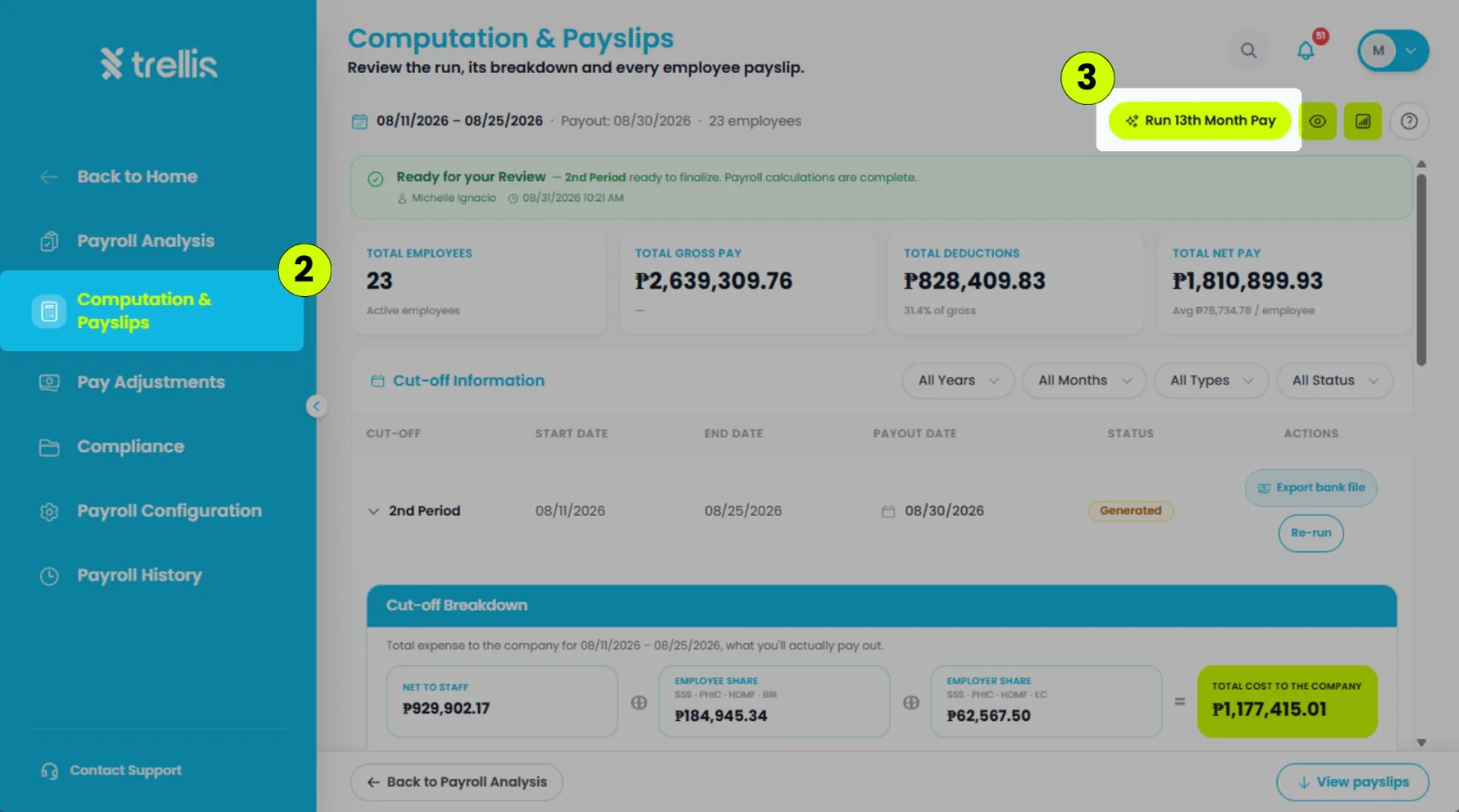
  1. In the Payroll workspace sidebar, click "Computation & Payslips".

    Note: Before running 13th month pay, it is recommended to review attendance issues and payroll adjustments in the "Payroll Analysis" tab to help ensure accurate computation.

  2. In the upper-left corner of the page, click "Run 13th Month Pay".
How do I run 13th month pay?
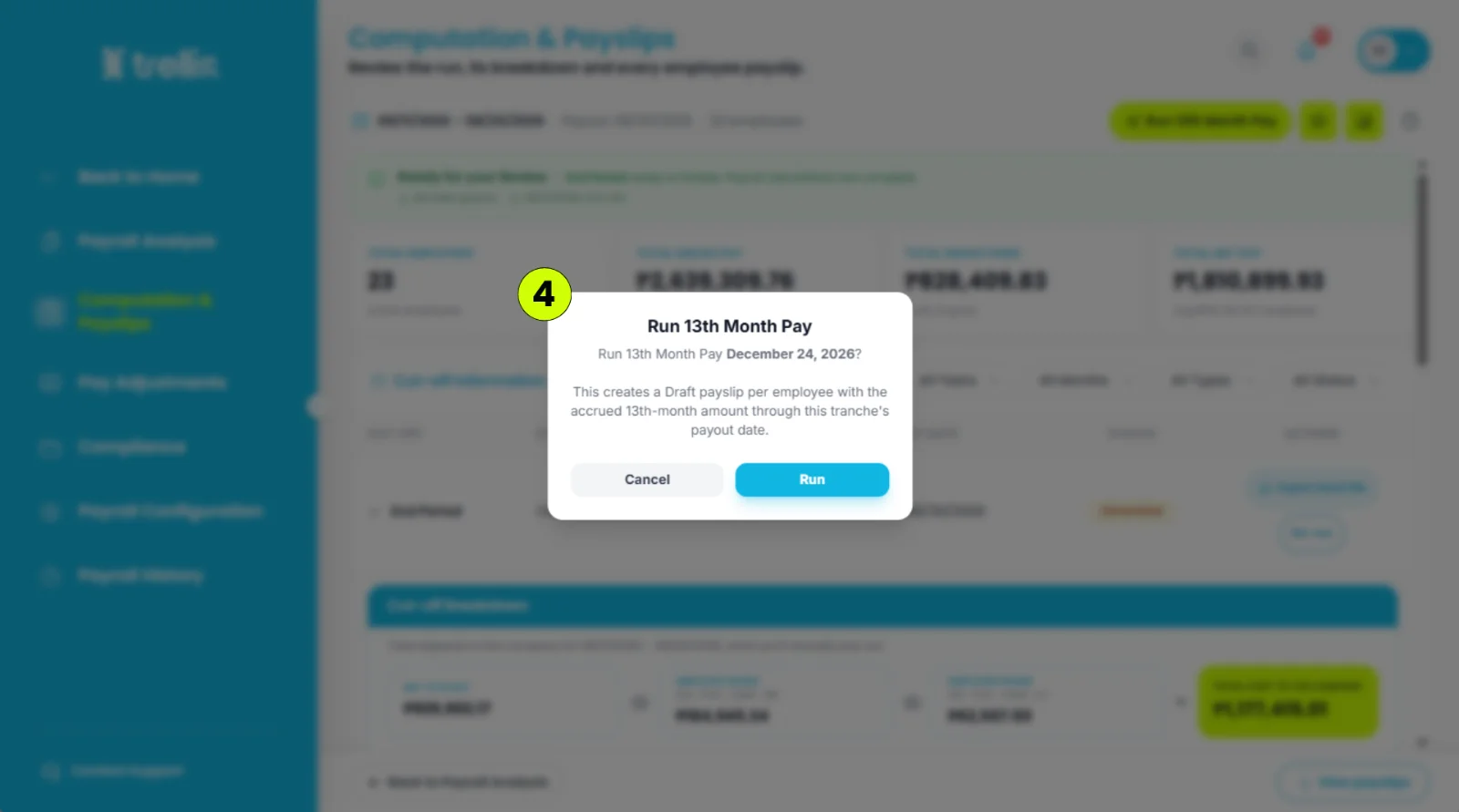
  1. Click "Run" to confirm.

How do I run 13th month pay?

Other articles in this section

How Do I Add a One-Time Adjustment to a Cut-off? Should I Waive or Deduct an Absence in Payroll Analysis? How to Change the Payout Date of a Cut-Off How Do I Turn Off Withholding Tax for an Employee? How to Process Payroll What Is a Shift Mismatch in Payroll Analysis, and How Do I Fix It?
Back to Payroll