How to add an employee to a payroll
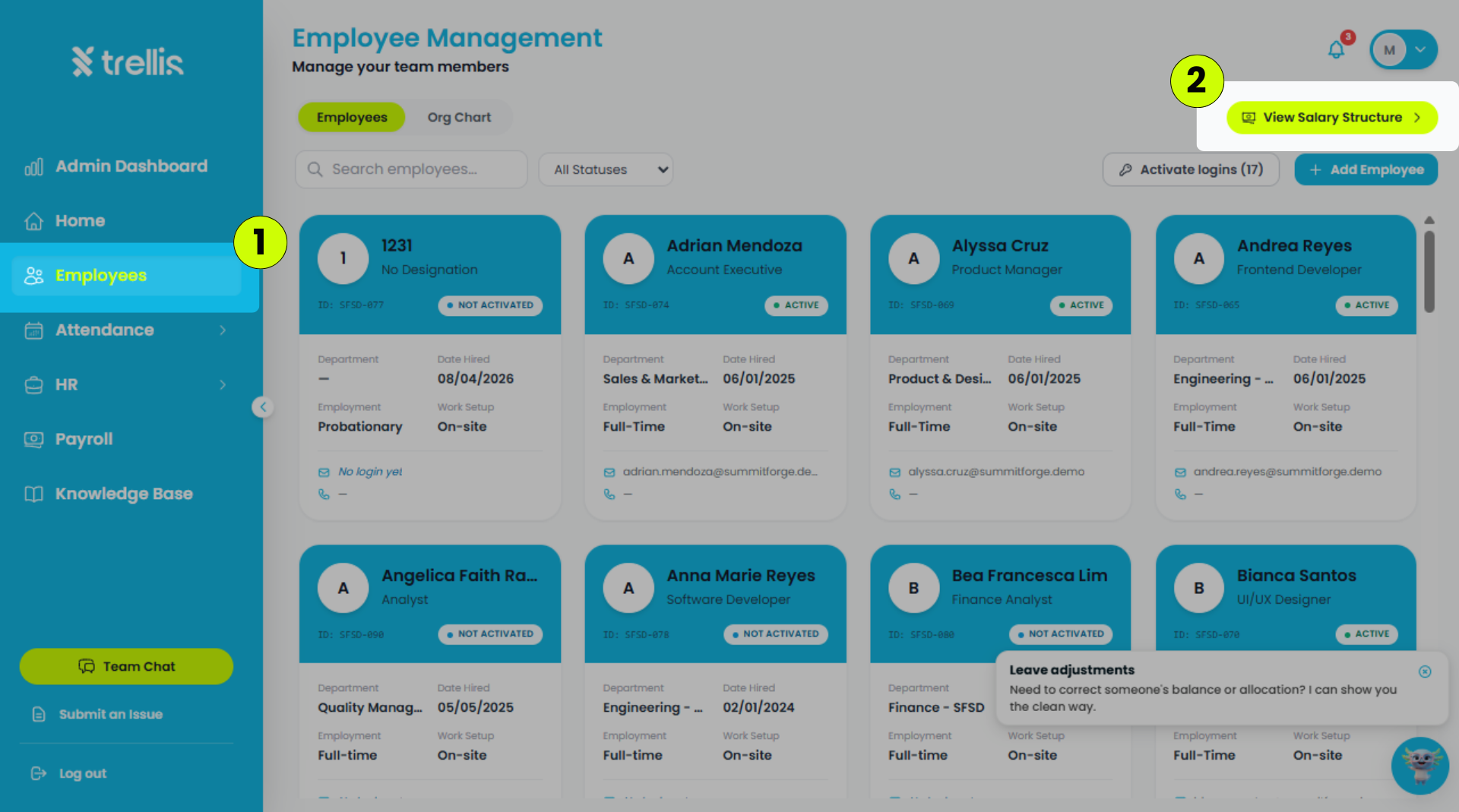
From the sidebar, click "Employees."
On the Employees page, click "View Salary Structure."
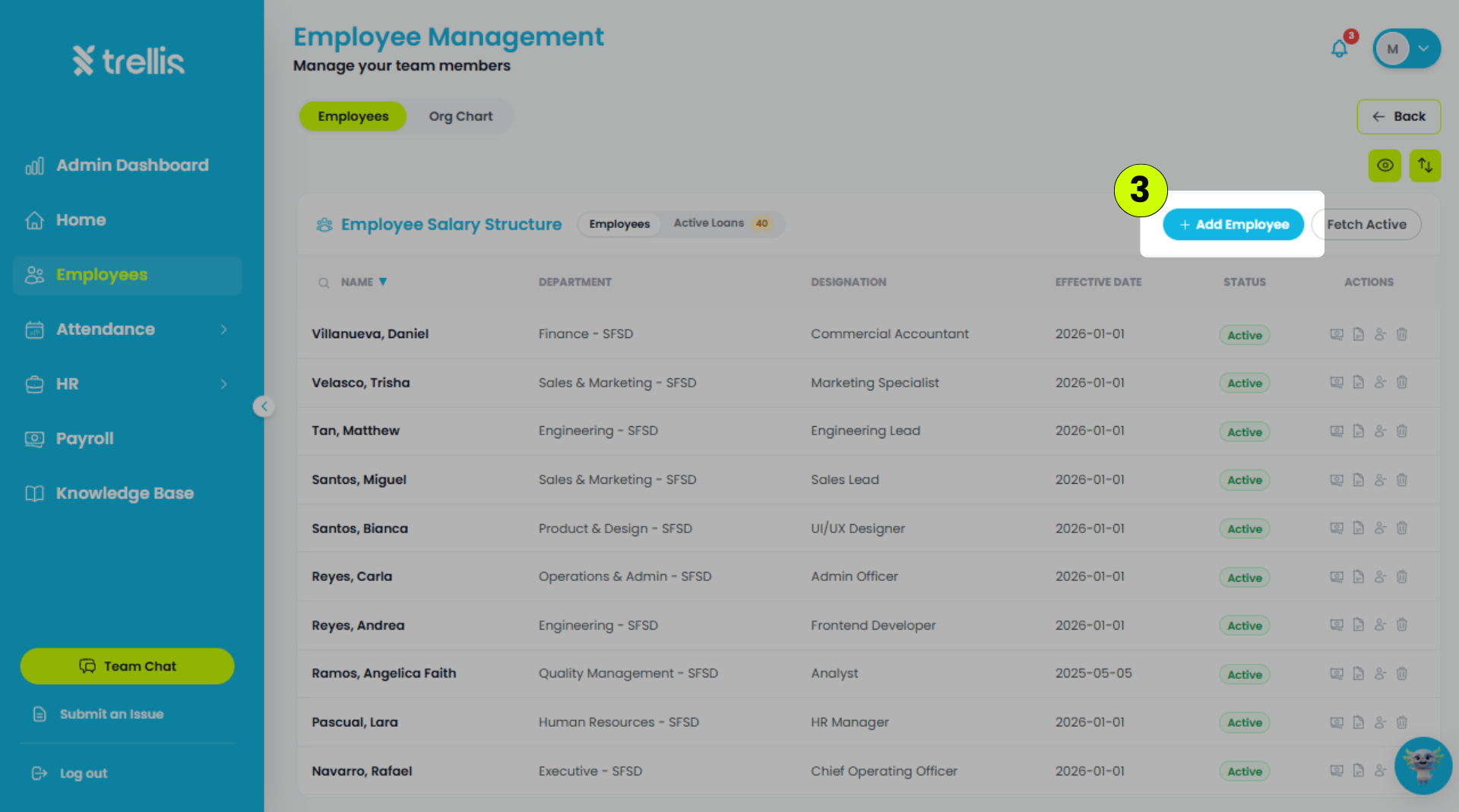
On the Employee Salary Structure page, click "Add Employee."
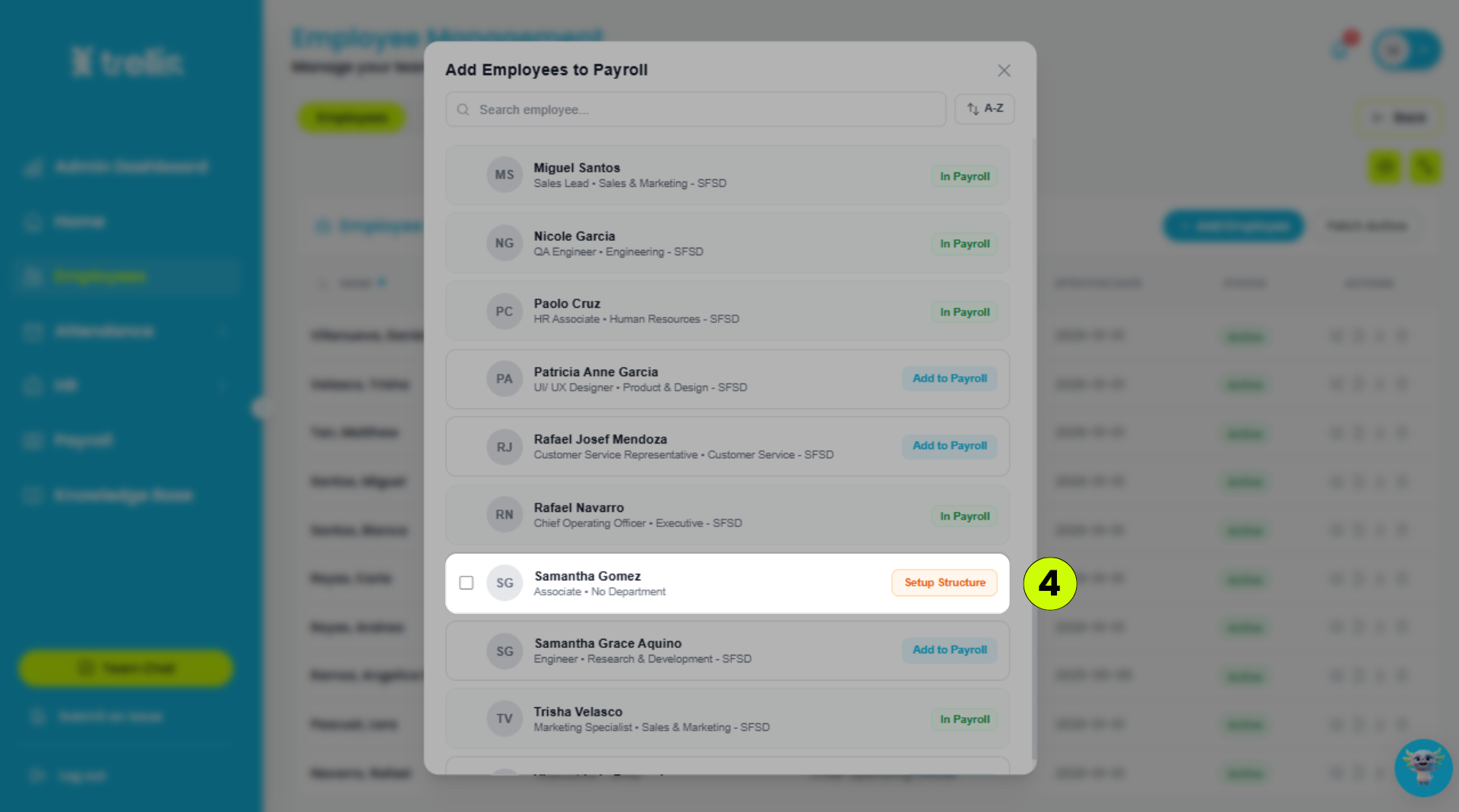
Select the employee, then click "Setup Structure."
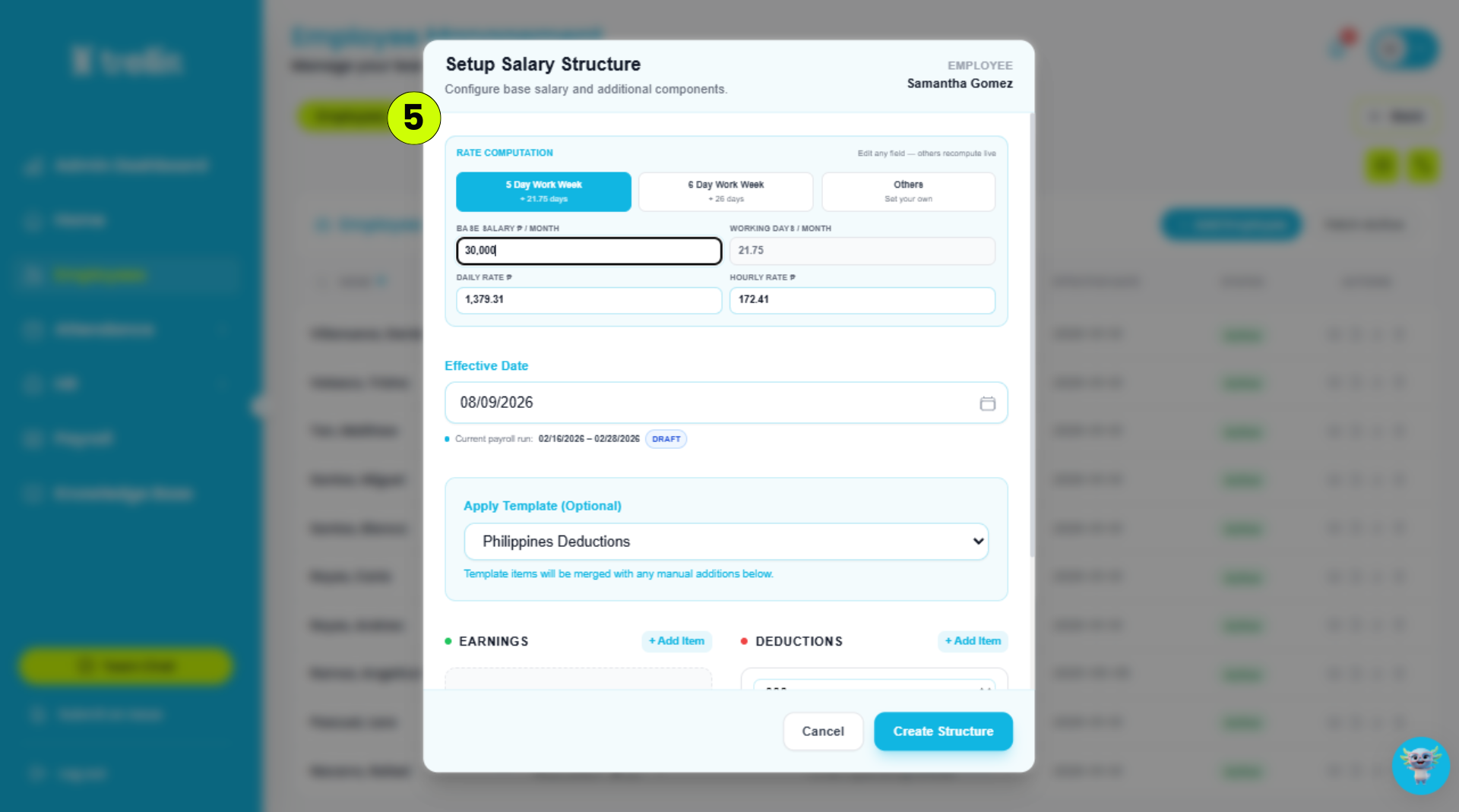
Set up the employee's salary structure, then click "Create Structure."
Rate Computation – The employee's pay rate
Effective Date – The date when the salary structure takes effect.
Apply Template – The salary deduction template to apply, such as the Philippine deduction template.
Earnings – The employee's other earnings.
Deductions – The deductions to be applied to the employee's salary.
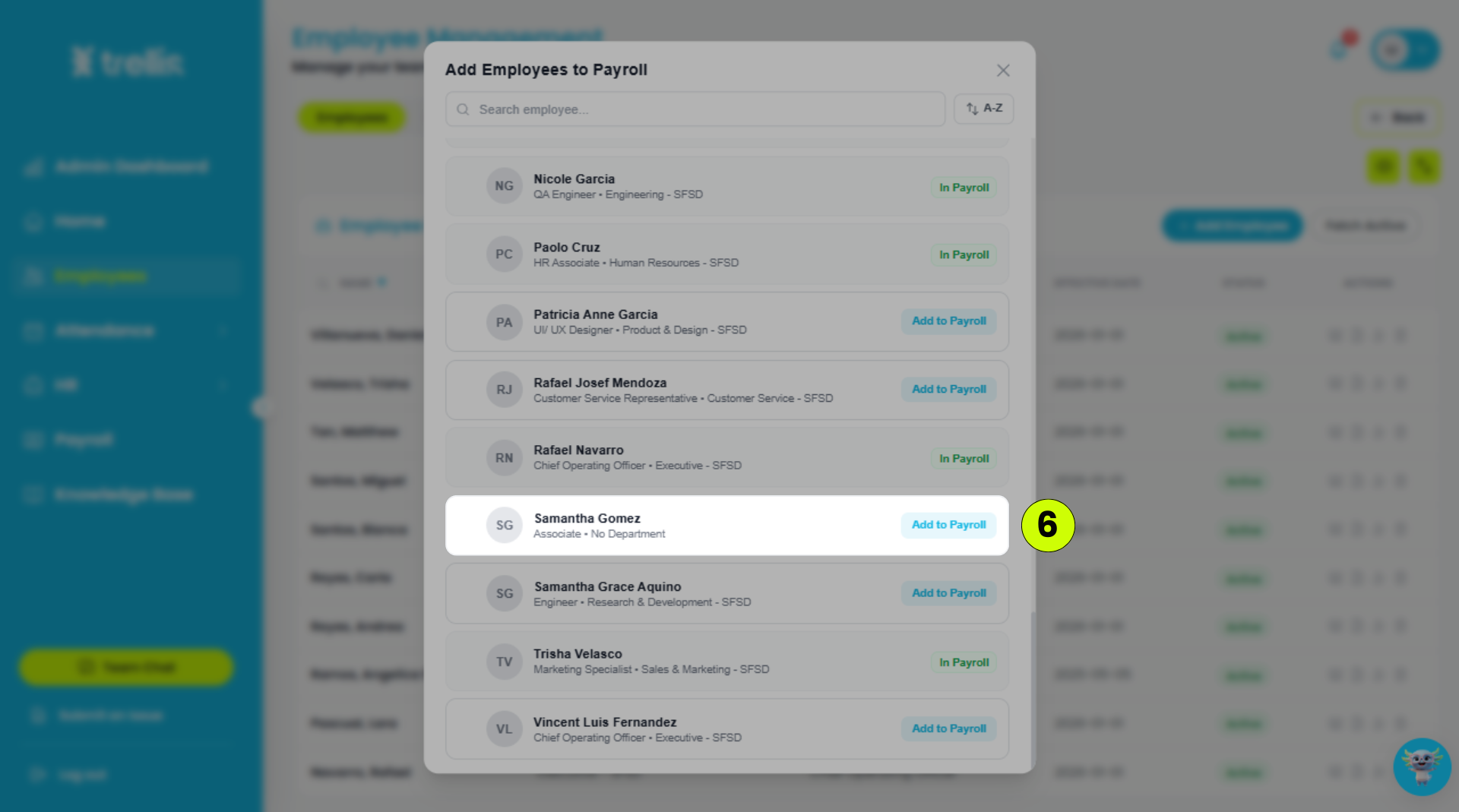
Select the employee, then click "Add to Payroll."